On this page
We have a lot of respect for GrandPerspective. It was the first app that turned abstract folder sizes into a concrete visual map. It's open-source, it's lightweight, and it's completely free.
But in 2025, on Apple Silicon Macs running the latest macOS, the experience feels dated. We kept using it and kept thinking: this could be modernized.
That's why we built DissectMac.
What GrandPerspective does right
It's GPL open-source. That matters to many users. You can see exactly what the code does, and it'll never be locked behind a paywall.
The treemap is accurate. Each file is a rectangle proportional to its size, with no visual tricks.
It's completely free. No trials, no feature restrictions, no nag screens.
If those are your priorities, keep using GrandPerspective. It's solid software.
Where it feels dated
Navigation. To open a folder, you right-click and select from a menu. To go back up, another menu. There's no fluid click-to-zoom interaction that modern apps have trained us to expect.
The interface. On a Retina display alongside apps like Arc or Figma, GrandPerspective's window chrome feels like a different era. It works, but it doesn't feel native to current macOS.
Modern macOS quirks. APFS containers, "System Data," and heavily sandboxed apps create storage mysteries that older tools weren't designed to highlight.
What we built differently
We wanted:
-
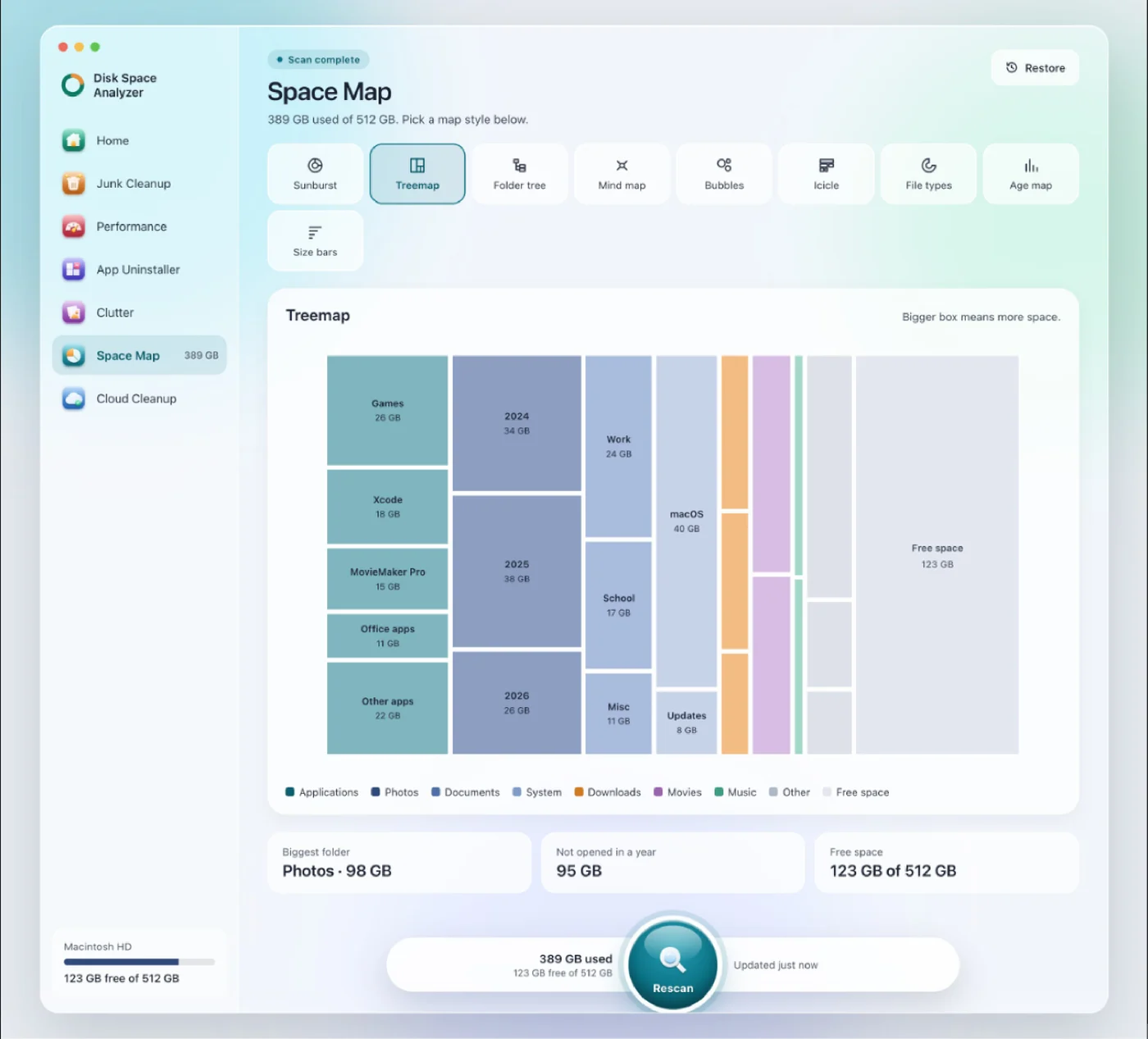
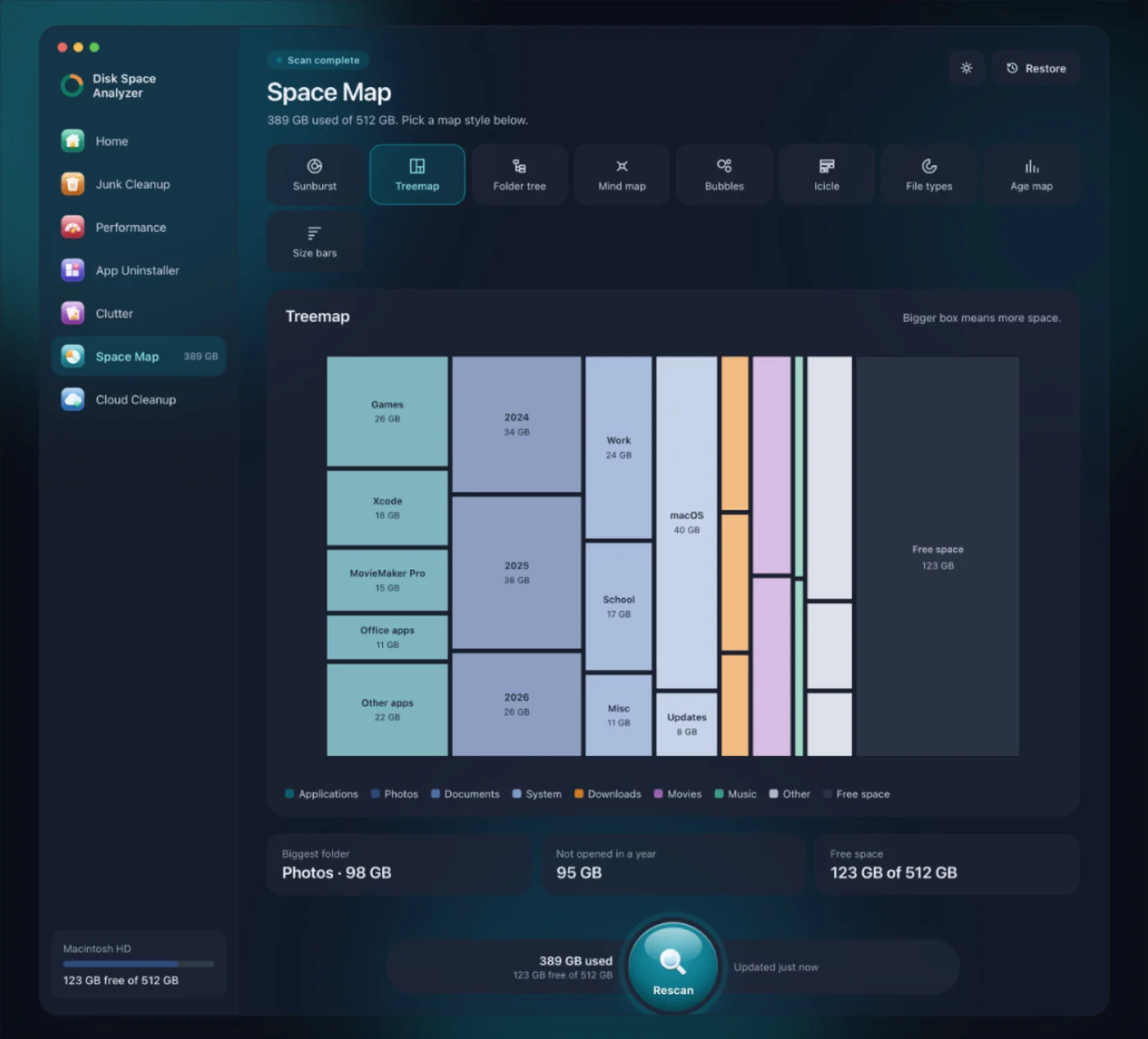
More than one view. Space Map shows the whole disk in nine views. Treemap is one of them, next to Sunburst, Folder tree, File types, Age map and others.
-
Big and old files pointed out. Space Map shows your biggest folder, the space you haven't opened in a year and what's free, and it highlights big and old files.
-
"System Data" focus. The whole point of DissectMac is answering "where did my storage go?" Space Map draws any folder to scale, hidden ones included, and Junk Cleanup lists system and app caches in their own groups.
Side by side
| Aspect | GrandPerspective | DissectMac |
|---|---|---|
| Price | Free (GPL) | Every scan free, Pro $19.99 once to clean |
| UI Feel | Classic | Modern |
| Open Source | Yes | No |
| Disk views | Treemap | Nine, including Treemap and Sunburst |
| Apple Silicon | Supported | Apple Silicon and Intel |
Which should you use?
Use GrandPerspective if: Open-source licensing matters to you, or you're comfortable with its interface.
Use DissectMac if: You want a modern experience on Apple Silicon, more views of your disk than a treemap, and cleanup tools in the same app.
We still keep GrandPerspective installed for the occasional comparison. It's a classic. But for daily use, we use what we built.
More guides
Compare
DaisyDisk Alternatives: Free Disk Analyzers We've Actually Tested
The best free DaisyDisk alternatives for Mac in 2026, compared: DissectMac, GrandPerspective, SquirrelDisk, OmniDiskSweeper, WizTree for Mac and Disk Inventory X.
Compare
WinDirStat for Mac: The Closest Equivalents
There's no WinDirStat for Mac, and no TreeSize either, but WizTree now has a Mac version. The Mac apps that work like them, and which to pick.
Compare
Is CleanMyMac Safe? An Honest Review
Is CleanMyMac safe and legit? It's not malware and it's on the Mac App Store. Where the real risks are, what it costs, and whether your Mac needs it.
Compare
Disk Inventory X on Mac: Does It Still Work?
Disk Inventory X's last release was 1.3 in 2019, built for Intel Macs. How it runs on Apple Silicon and macOS 15, the community revival, and alternatives.