On this page
CleanMyMac X is good software. It's polished, feature-rich, and does a lot. But for many users, the yearly subscription feels like overkill when all they want is to find out what's eating their storage.
We get why MacPaw charges a subscription: they have a team to support and regular updates to ship. But for users who just need to visualize their disk space occasionally, there's a simpler option.
That's why we built DissectMac differently.
The subscription vs. one-time model
CleanMyMac X uses a yearly subscription model (pricing varies by region and plan). Over a few years, those costs add up. And if you stop paying, you lose access to the features.
DissectMac works differently:
- Free tier: Every scan in every tool, with no account and no time limit.
- Pro tier: Cleaning inside the app for $19.99 once, with no renewal emails and no "subscription expiring" popups.
We wanted to build something we'd actually want to use ourselves without ongoing costs.
Privacy: your files stay on your Mac
Some cleanup tools use cloud databases to identify junk files and outdated apps. This can work well, but it means metadata about your system may be processed externally.
DissectMac runs entirely on your Mac. Your file structure never leaves your machine, nothing is uploaded, and there is no account system.
If you're handling client work, code repositories, or anything sensitive, this matters.
Visualization vs. "magic clean" buttons
CleanMyMac's one-click "Clean" button is convenient. But it's also a black box. You click it, stuff disappears, and you hope it didn't delete anything important.
We've heard from users who got burned by automated cleaners that deleted files apps actually needed. It's rare, but it happens.
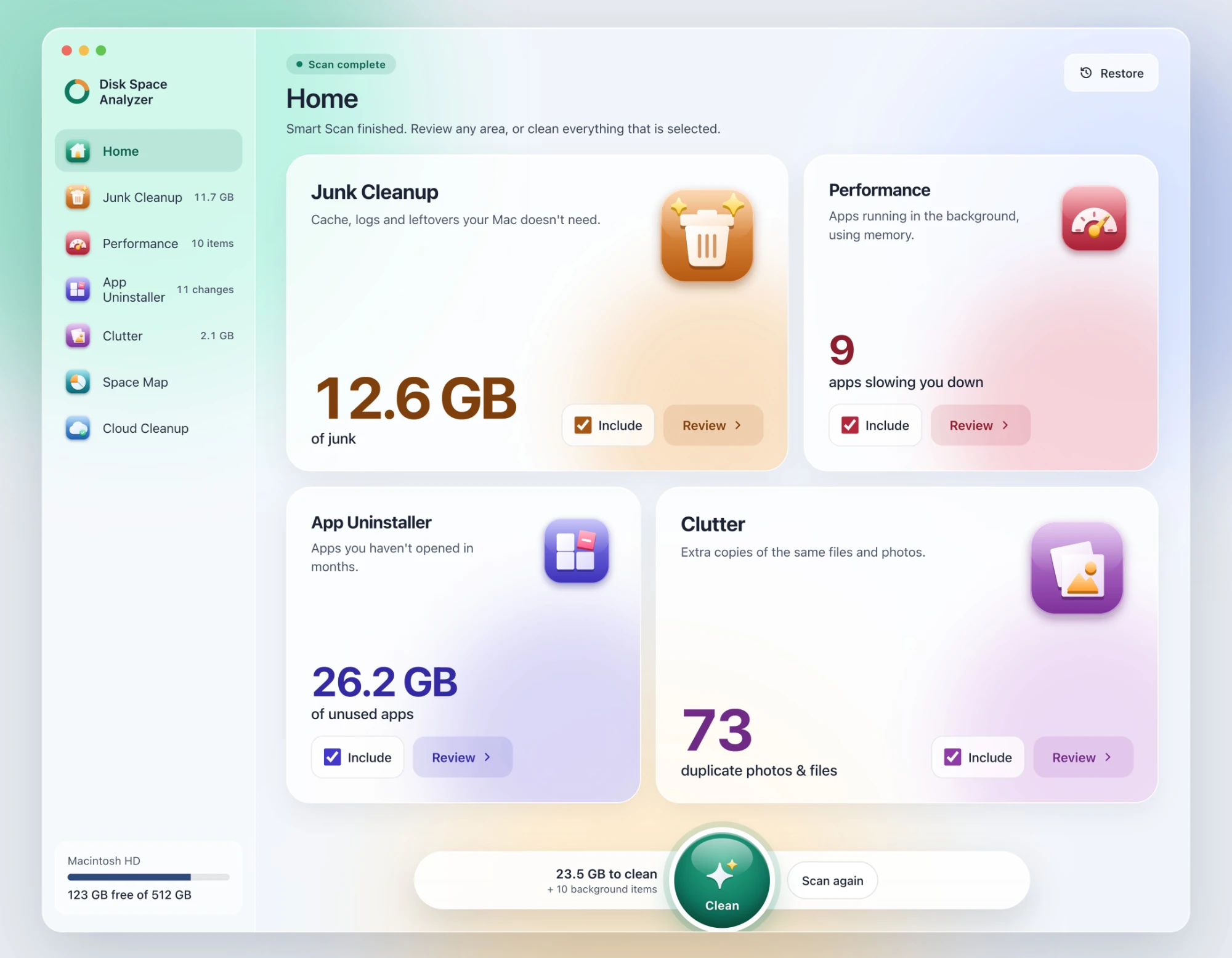
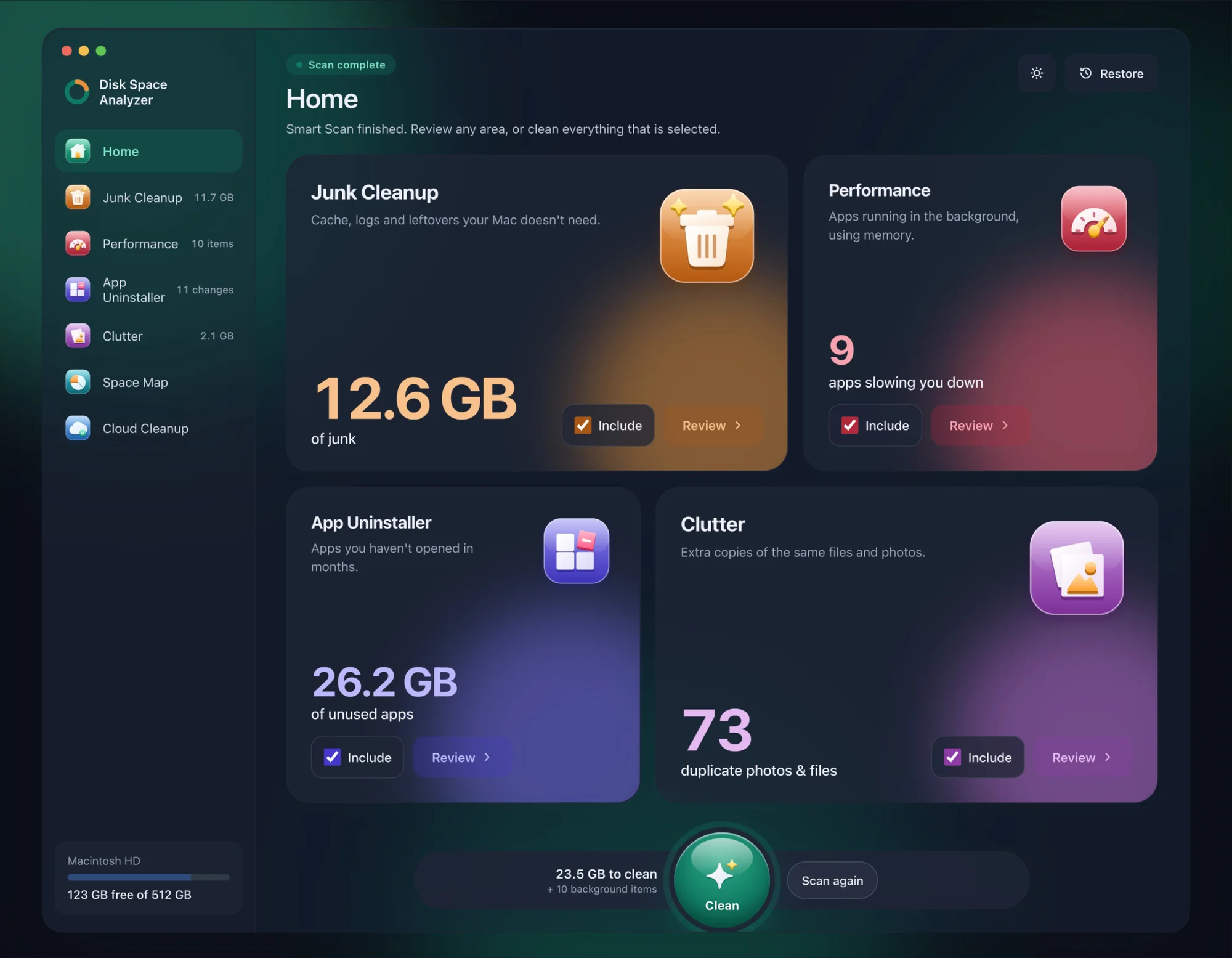
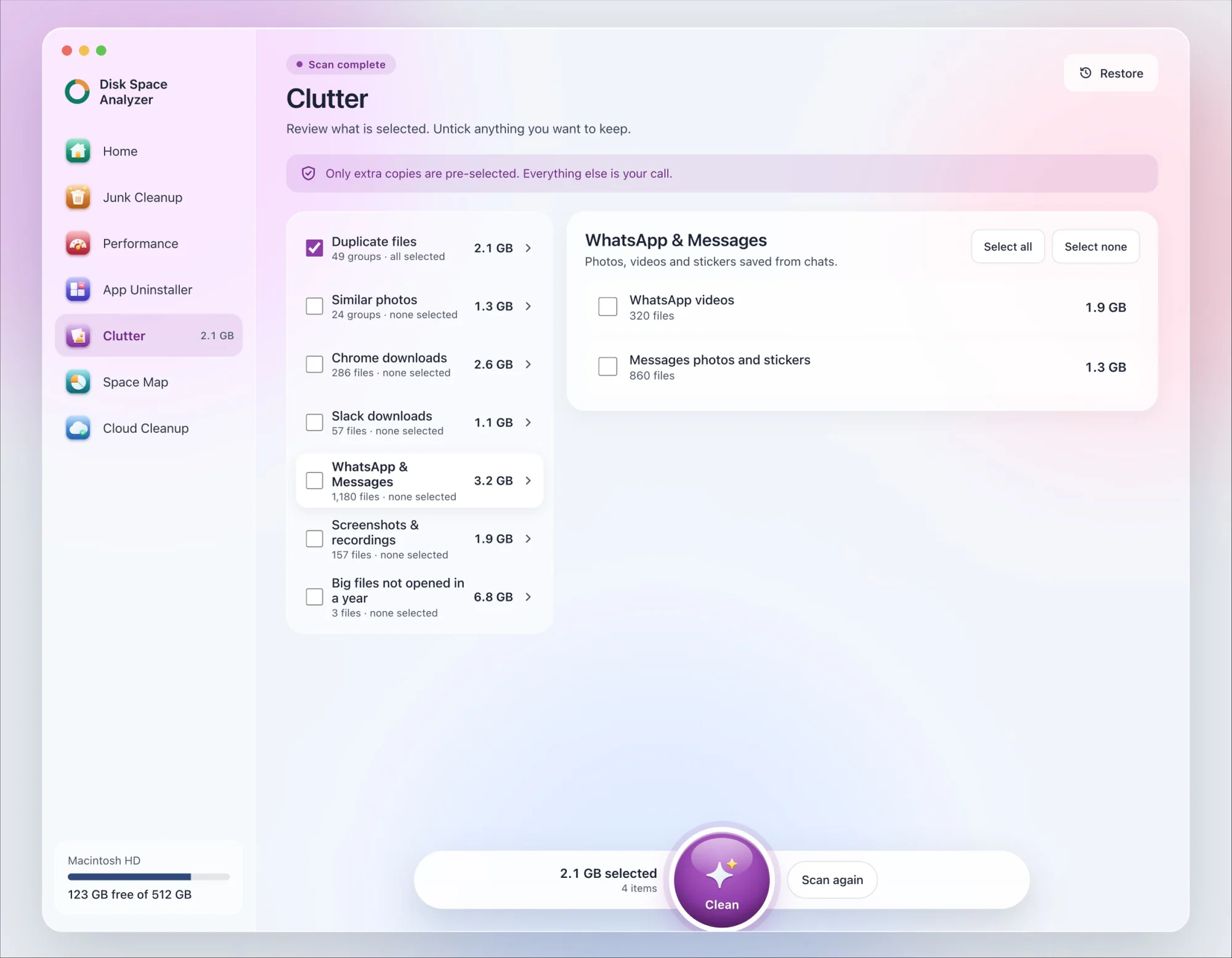
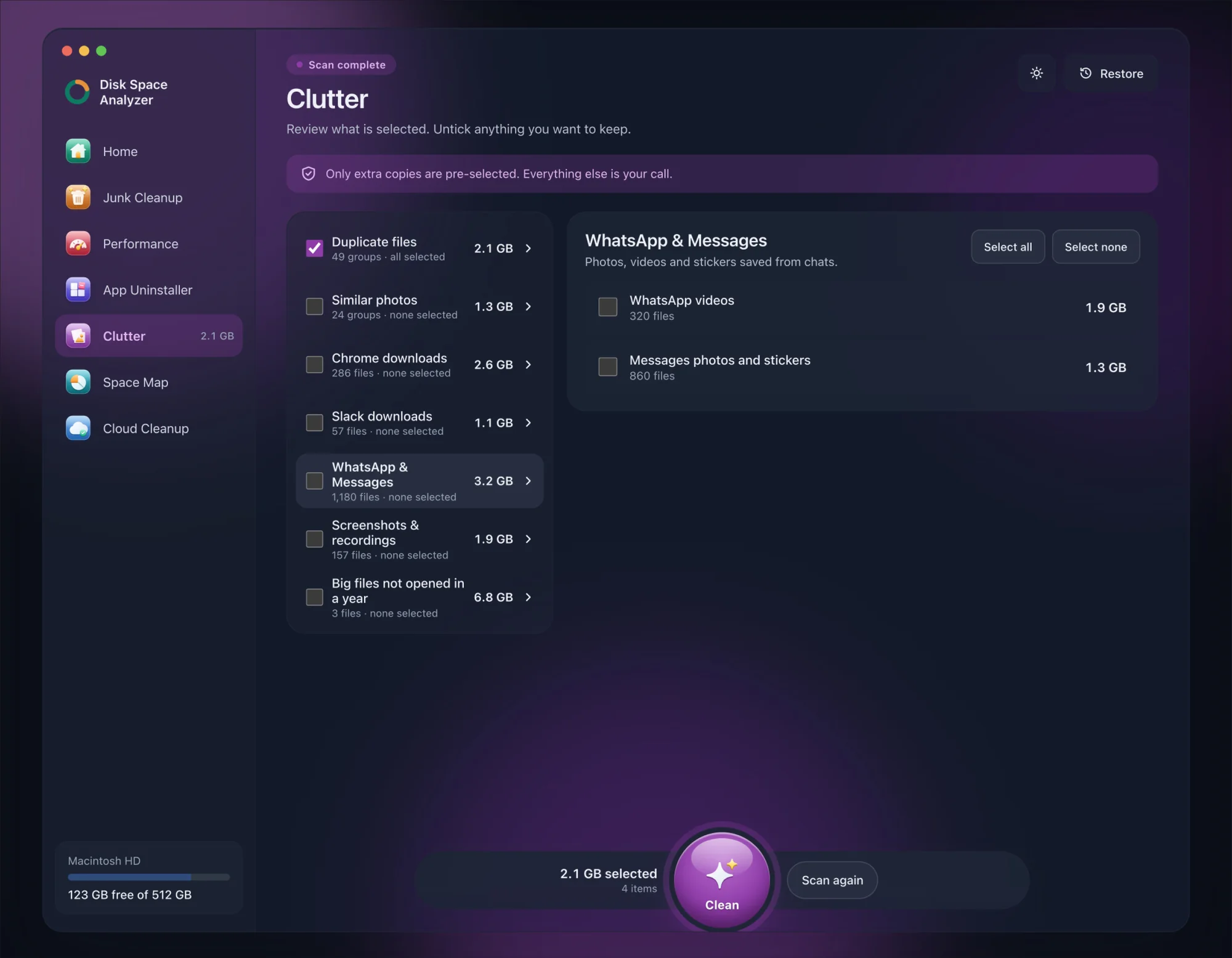
DissectMac doesn't remove anything until you press Clean. Smart Scan shows what it found first, pre-selects only what is safe, and never touches photos, documents or system files. You can open a group and untick single files, and Space Map shows the whole disk to scale if you'd rather look for yourself. Anything removed is kept for 30 days, so Restore brings it back.
You see the list before anything goes.
When CleanMyMac X makes sense
To be fair: if you want malware scanning, app updating, and system maintenance all in one place, CleanMyMac X is good at that. It's a full "Mac maintenance suite."
But if your problem is specifically "my disk is full and I don't know why," you might not need all those features. You just need to see what's taking space.
The verdict
- Use CleanMyMac X if: You want a full-service maintenance tool and the subscription model works for you.
- Use DissectMac if: You want to see what a scan found before anything is removed, and prefer a one-time purchase.
More guides
Compare
DaisyDisk Alternatives: Free Disk Analyzers We've Actually Tested
The best free DaisyDisk alternatives for Mac in 2026, compared: DissectMac, GrandPerspective, SquirrelDisk, OmniDiskSweeper, WizTree for Mac and Disk Inventory X.
Compare
WinDirStat for Mac: The Closest Equivalents
There's no WinDirStat for Mac, and no TreeSize either, but WizTree now has a Mac version. The Mac apps that work like them, and which to pick.
Compare
Is CleanMyMac Safe? An Honest Review
Is CleanMyMac safe and legit? It's not malware and it's on the Mac App Store. Where the real risks are, what it costs, and whether your Mac needs it.
Compare
Disk Inventory X on Mac: Does It Still Work?
Disk Inventory X's last release was 1.3 in 2019, built for Intel Macs. How it runs on Apple Silicon and macOS 15, the community revival, and alternatives.